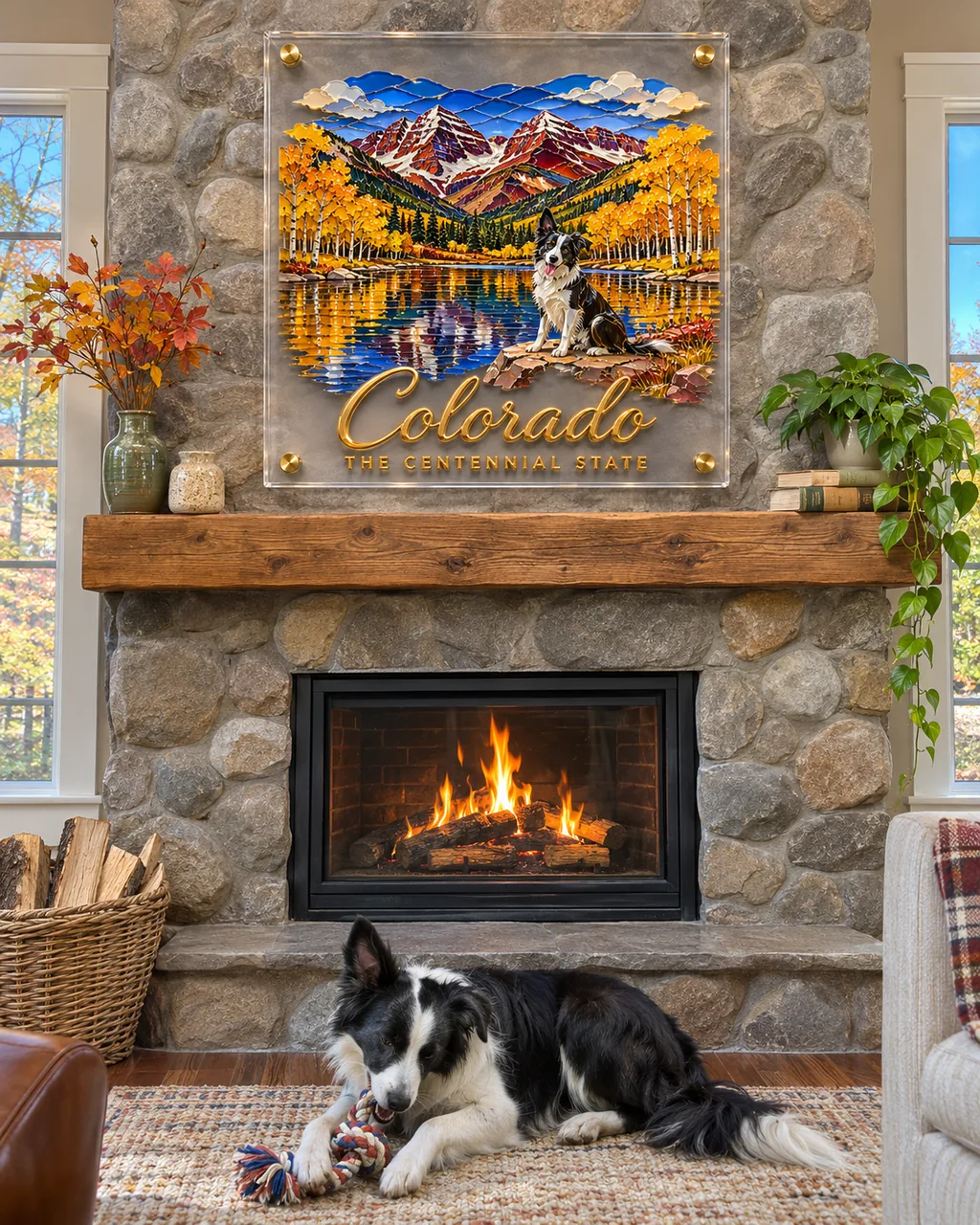
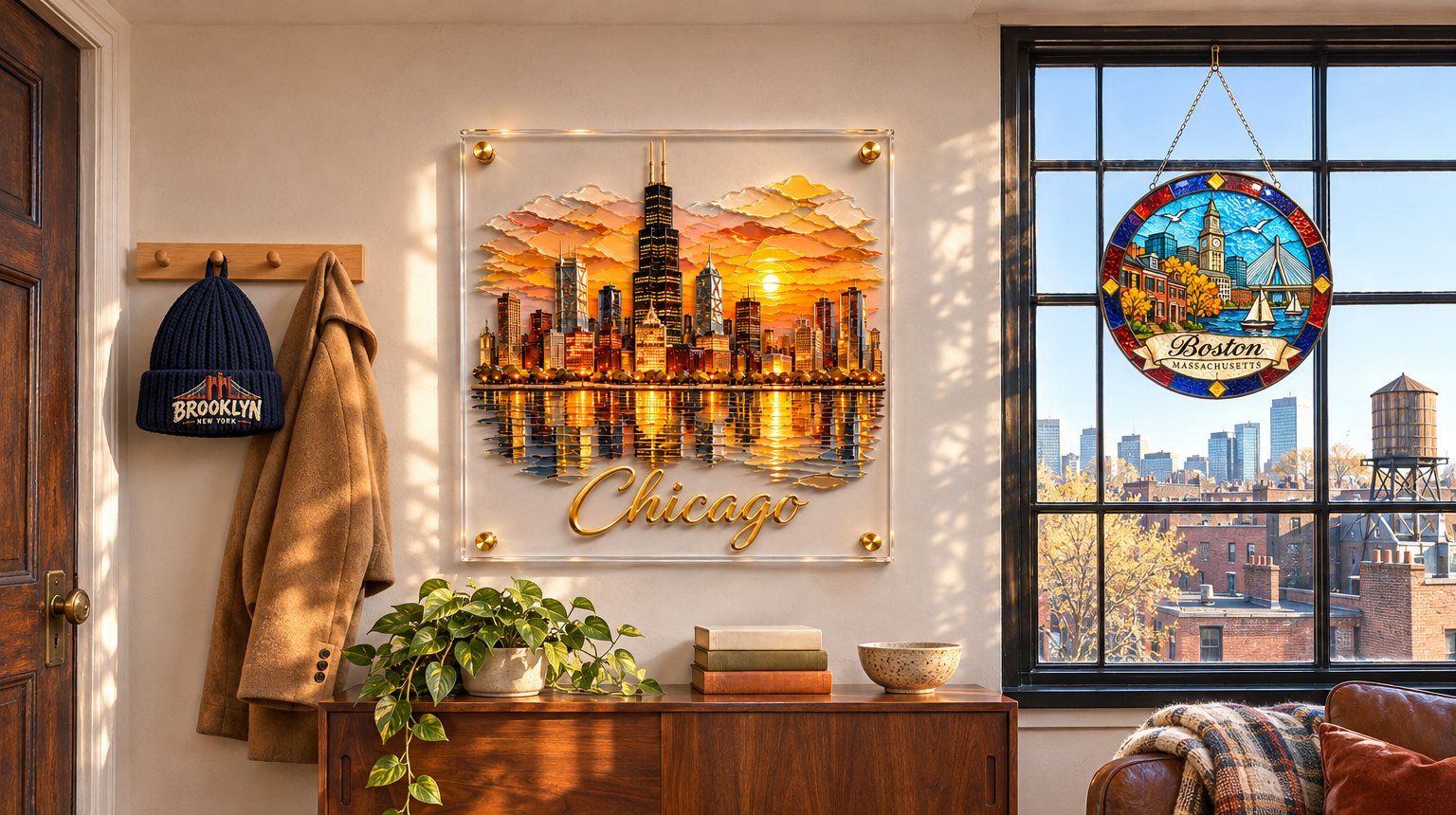
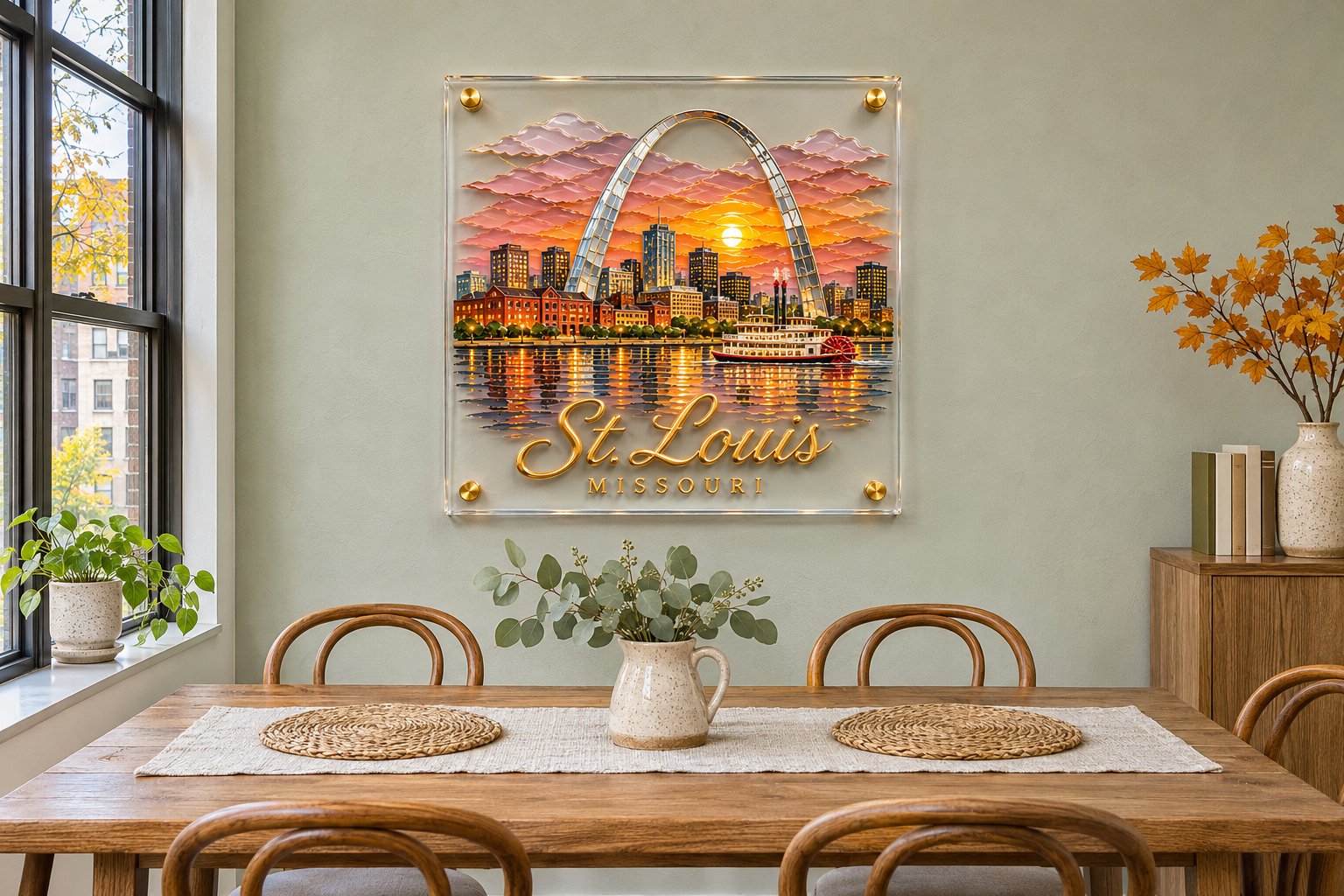
Pick your place from the list, or type any place on earth, and Tedooo’s design technology draws it in about a minute: the landmarks or scenery people know it by, in its own colors, with the name lettered big and a small line under it. Not right? Add a detail and draw it again. It stays free.
What does picking a place from the list add?
A listed place carries notes on what it looks like, sent with your design: its best-known landmarks and its own palette, such as Chicago’s towers over the lake at sunset or Seattle’s Space Needle with Mount Rainier behind it. A place the list does not know is drawn from its name, which works for most towns; for a small one, say what it is known for.
What goes under the name?
A small line in capitals: the state for a US city, the nickname for a state, the country for a city abroad. Picking a place fills it in, and you can change it or clear it. A neighborhood, a street or a year all work, lettered as you spell them, so check the spelling before you approve.
What is never drawn?
A few things stay off every piece, whatever the place:
- No religious buildings or symbols.
- No logos, team marks or brand signs.
- No made-up skyline with a new name on it: the place’s own landmarks, or its own scenery.
What if it gets a landmark wrong?
Draw it again, and say what you want under Your words: the bridge, the lake, the water tower on your street. Each draw is free and nothing is charged until you approve one and check out. The design you approve is the one that gets made, so take a last look at the lettering first. Start on the studio page.
Questions this leaves
Can I add a landmark only locals know?
Yes. Describe it under Your words: “the red water tower by the river”, “our row of brick houses”. It is drawn from your words, so the more specific they are, the closer it comes.